

Navigating dating platforms later in life often brings up specific questions around fees, auto-renewal policies, and profile legitimacy. Older singles typically benefit from knowing exactly what a platform offers before committing financially. This article focuses on the questions most users want answered before paying: what OurTime is built for, what appears to be free, where subscription prompts show up, how pricing should be checked, and whether the platform may fit singles over 50.
Bottom line: OurTime may be worth considering if you specifically want a 50+ dating environment and are comfortable checking subscription terms carefully before paying. It is less compelling if you want broad mainstream dating pools, strong free messaging access, or a platform with less account-setup friction.
Table of Contents
What Is OurTime?
OurTime positions itself as a dating platform specifically designed for singles over 50. The main difference is that OurTime is not trying to serve every dating user. Its positioning is narrower: older singles who prefer an age-focused dating environment rather than a broad mainstream app. This article examines the visible account prompts, subscription pathways, and profile-management settings to give readers a practical understanding of the platform’s layout.
Quick Verdict: Who Should Use OurTime?
Best For
- Singles in their 50s and 60s seeking an age-focused community
- Users who prefer a simple, straightforward interface
- Those willing to pay for a dedicated senior dating pool
Skip it If
- You are looking for casual dating or fast swiping apps
- You strictly want a 100% free messaging experience
- You prefer modern algorithmic matching over manual search
OurTime appears best suited for mature singles seeking an interface with simple onboarding prompts and unblurred photo discovery. It allows users to browse profiles freely before deciding whether to upgrade.
Are you in your 40s or looking for a wider age demographic? If you find a 50+ only pool too restrictive, check our tested roundup of the 6 Best Dating Sites for Over 40 designed for busy, serious, or later-life singles.
The Onboarding Experience: Setup & Account Verification
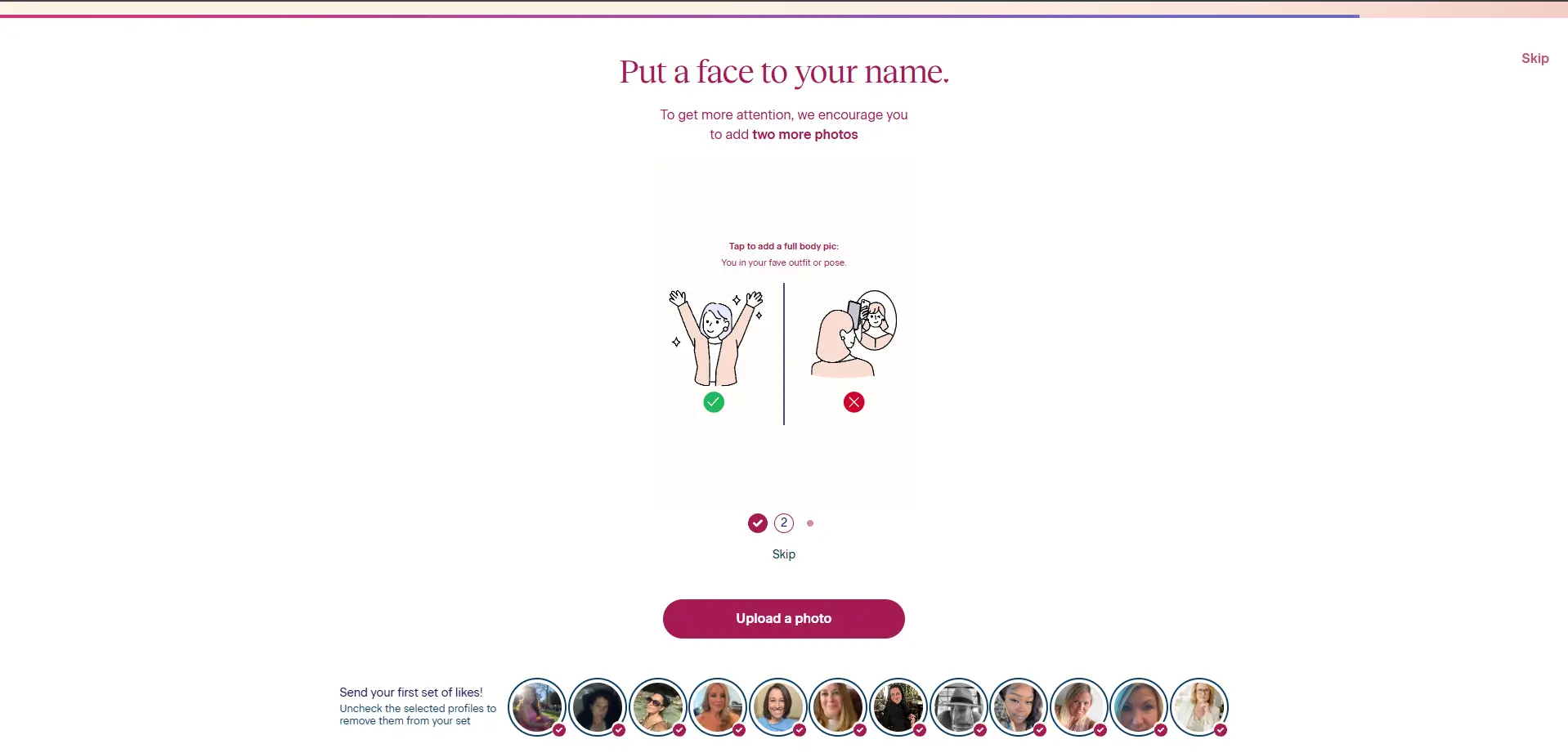
The visible signup prompts on OurTime are structured around a step-by-step format with large text. Standard demographic fields—such as height, education, and lifestyle preferences—frequently include a visible “Skip” option, reducing setup pressure. However, a profile photo must be uploaded to complete the setup path.
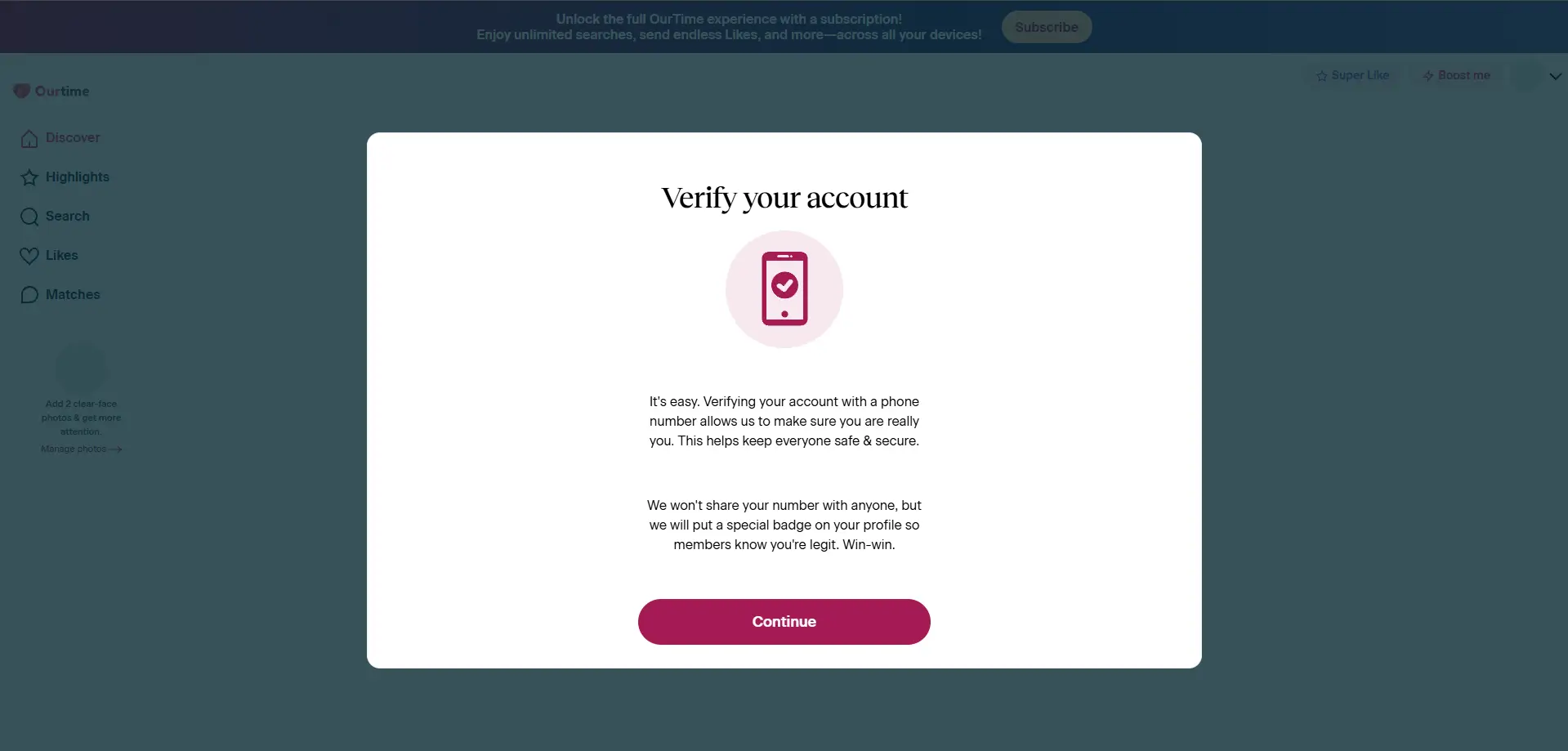
During account setup, OurTime may require SMS verification before deeper account access. This can be a useful account-level safety signal, but it may also add friction for users who cannot receive the verification text or who are using a number type the platform does not accept.
OurTime Free vs. Paid: Where Is the Paywall?
Based on visible account prompts, the free tier allows users to view unblurred photos, read active profile bios, and browse local suggestions. Free accounts can also express interest by sending basic likes.
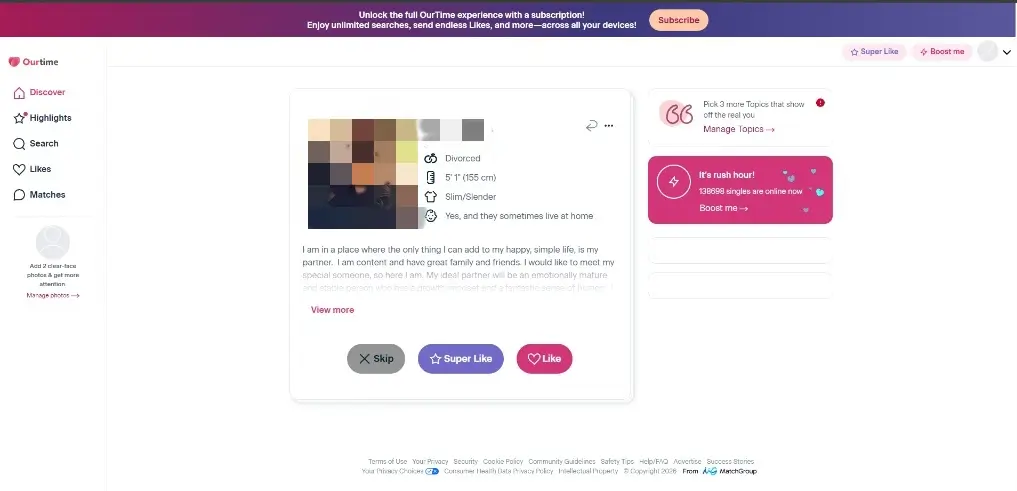
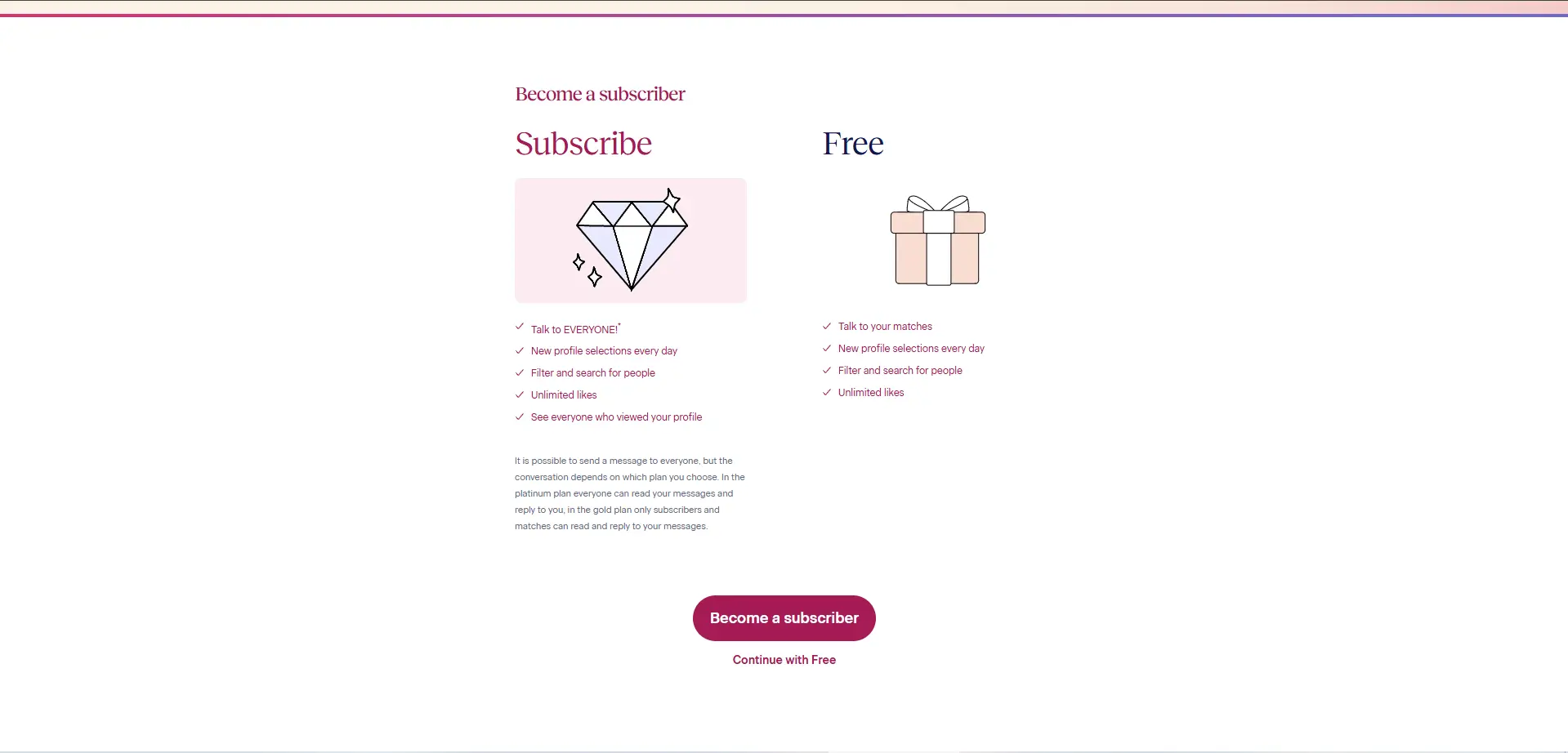
The paywall becomes central when trying to initiate direct contact. Free access may feel limited if messaging is the main goal, as sending messages to un-matched users requires a paid subscription. Premium options also unlock access to the full list of account visitors who have viewed your profile.
Safety and Privacy Signals
The integration of mandatory account prompts and verification paths acts as a fundamental safety cue on the platform. Official help materials describe clear avenues for reporting inappropriate behavior or blocking specific accounts.
SMS verification and safety guidance can be useful signals, but they should not be treated as proof that every profile is genuine or that scam risk is eliminated. Users should still watch for scam behavior and exercise standard digital caution. Additionally, visible platform terms state that user profiles may appear across related networks, which is a key privacy consideration before subscribing.
OurTime Pricing: Costs and Subscriptions
OurTime’s subscription pricing can vary by plan length, promotion, account status, device, location, and timing. The price examples discussed here are best treated as budgeting context rather than a guaranteed checkout quote. Before subscribing, users should confirm the monthly rate, total billed amount, renewal terms, taxes, and promotional conditions on OurTime’s checkout page.
Publicly available pricing examples show that longer plans may display a lower monthly equivalent than shorter plans. Some pricing references show examples in the range of about $12.99/month to $29.99/month, depending on plan length, but users should confirm the current total on OurTime’s checkout page before paying. Subscriptions are generally billed as one upfront payment for the selected term.
Managing Your Account: How to Cancel
OurTime’s help materials separate subscription management, automatic renewal, and profile removal or hiding. Before subscribing, users should review the current account settings, understand when renewal occurs, and save any cancellation confirmation number or final subscription date shown during the process.

Official guides state that web-based upgrades must be turned off via account settings on a browser, while app-store upgrades must be managed inside Apple or Google account preferences. Hiding or deactivating a profile restricts public visibility, whereas a full account deletion permanently removes data from the network.
OurTime Pros and Cons
Pros
- Age-focused dating environment for singles over 50
- Clearer positioning than broad mainstream dating apps
- Visible subscription and account prompts before deeper use
- SMS verification can function as an account-level safety signal
- Official help materials cover subscription and profile-management topics
Cons
- Subscription-based access appears central to the experience
- Pricing examples should not be treated as final checkout quotes
- SMS verification may add friction for some users
- Not ideal for younger users or users seeking a broad dating pool
- Free access may feel limited if messaging is the main goal
OurTime vs. Alternatives
When evaluating platforms tailored for serious relationships, older adults have several options with different structural traits:
- eHarmony: Focuses heavily on a long compatibility questionnaire to deliver algorithmic match suggestions rather than open searching. (Read our eHarmony Review)
- Match: Provides a broad, mainstream dating pool with detailed advanced filters across all age categories. (Read our Match Review | Compare eHarmony vs Match)
- SeniorMatch: Offers an alternative dedicated community focused exclusively on senior singles, operating entirely separate from the platform network discussed here.
Is OurTime totally free?
Profile setup and basic browsing, including viewing unblurred profile photos, do not require payment. However, initiating messaging or revealing who has viewed your account triggers visible subscription prompts.
How much does OurTime cost?
Publicly available pricing examples range from roughly $12.99 to $29.99 per month, depending on the subscription length. These examples serve as budgeting context, and users should confirm exact checkout pricing on the official platform page.
Can you message for free on OurTime?
Direct messaging is typically a premium feature. Visible account cues suggest that initiating messages to users outside of mutual matching paths requires an active subscription.
Is OurTime legit?
OurTime is an established platform focused strictly on the 50+ demographic. It utilizes account-level verification steps like SMS prompts, though users should always remain aware of potential scam behavior online.
Is OurTime good for singles over 50?
The platform’s positioning is optimized for older adults. The user interface uses large text, single-question screens, and clear settings that fit individuals seeking an age-focused network.
How do you cancel an OurTime subscription?
According to official help materials, automatic renewal must be turned off through website settings if purchased via a browser, or within mobile account settings if purchased via an app store. Ensure this is completed before the next billing cycle begins.
How do you delete or remove an OurTime profile?
The platform’s profile settings offer separate choices to hide your profile from search results or permanently remove the account. These steps are detailed in the official online help materials.
Is OurTime better than eHarmony or Match?
It depends entirely on your dating preferences. eHarmony relies on deep algorithmic compatibility tests, Match serves a massive mainstream audience, and OurTime focuses purely on narrowing the field to older singles.
Explore More Dating Guides & Reviews: