The most exhausting part of modern dating apps isn’t the rejection. It is the time theft. You spend twenty minutes crafting a thoughtful opening message to someone who looks grounded, only to realize forty-eight hours later that you have been having a conversation with an Instagram follower funnel, a bored catfish borrowing photos from a French influencer, or an automated script.
Most advice about fake profiles focuses on extreme, multimillion-dollar fraud rings. But on a Tuesday evening swipe session, your primary enemy is everyday deception: people misrepresenting who they are, bots inflating platform activity, and synthetic profiles designed to waste your attention. You don’t need a degree in digital forensics to protect your evenings. You just need to know how to spot the seams where a fake persona fails to hold together.
Bottom line: Fake profiles rarely trip up on one obvious flaw; they fail on continuity. Look for mismatched camera resolutions across their photo stack, bios written so broadly they could apply to anyone in any city, and messages that reply with enthusiasm while completely ignoring the specific question you just asked. When something feels disconnected, don’t investigate—swipe left, unmatch, and move on.
Table of Contents
1. The “Frankenstein” Photo Stack: Look for Visual Continuity
When someone sets up a fake account, gathering six consistent, convincing photos of the same imaginary person is surprisingly difficult. As a result, fraudulent and catfish profiles almost always feature what I call a “Frankenstein stack”—a gallery stitched together from completely different sources.
Real people take photos across their actual lives. The lighting shifts naturally, but their hair texture, body proportions, and visual age remain roughly consistent. On a synthetic or stolen profile, scroll down to photos four, five, and six. That is usually where the seams split:
- Resolution whiplash: Photo one is a crisp, 4K portrait taken on a modern iPhone in portrait mode. Photo three is a compressed, pixelated 720p image that looks like a screenshot saved from a private Facebook album in 2018.
- The disappearing features: In their lead photo, they have subtle freckles, distinct posture, or a specific hairline. By photo four, those defining physical traits have magically shifted or vanished because the scammer had to scrape an image from a different person with similar hair color.
- Zero messy context: Look closely at the backgrounds. Real profiles include messy desk corners, recognizable supermarket aisles, slightly unflattering group shots at outdoor weddings, or a dog doing something stupid. Fake profiles consist entirely of isolated aesthetic moments: poolside infinity edges, private luxury dining, or steering wheels of European sports cars.
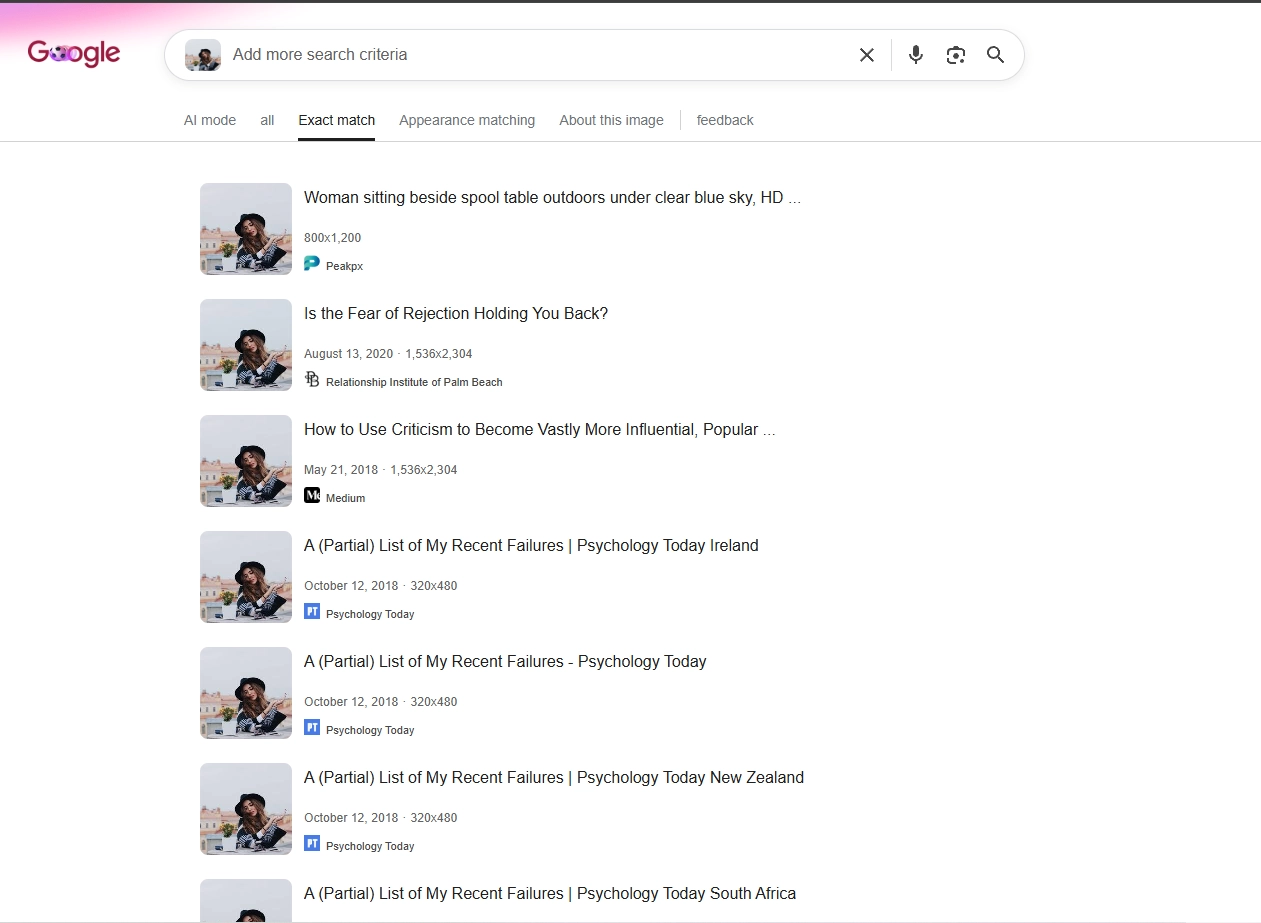
Reverse-image search tools like Google Lens are fine for catching lazy stock photos, but don’t treat a clean search as an endorsement. Scammers now harvest private social media accounts from overseas or use custom generative models. You have to rely on your own eyes for continuity, not an automated search tool.
2. The “Universal Bio”: Written to Fit Everyone and Nowhere
Real singles write bios that are messy, specific, and often slightly self-deprecating. They complain about the local light rail construction, admit they are terrible at pickleball, or specify that they work odd hospital shifts. Their bios are rooted in the physical friction of daily life.
Fake profiles write for maximum appeal. An account operator targeting hundreds of people at once cannot afford to mention a specific neighborhood dog park because they might be running that same profile across Chicago, Phoenix, and Miami simultaneously. Their text relies on universally agreeable platitudes:
“Simple soul with an adventurous spirit. Looking for someone honest, kind, and ready for real conversations. I value respect, good energy, and exploring new horizons.”
It sounds warm, mature, and emotionally grounded. But read it like an editor: it conveys literally zero facts. It contains no local anchor, no career detail, no specific hobby, and nothing a prospective match can challenge. When a bio is designed to offend no one, it is usually built to harvest everyone.
3. Conversational Desynchronization: The Ping-Pong Test
The fastest way to unmask a fake account isn’t through forensic questioning; it’s by evaluating conversational rhythm. Genuine human connection operates like a game of ping-pong: you hit a ball over the net with a specific spin, and they react to that specific spin before hitting it back.
Fake profiles—whether operated by overworked boiler-room operators using translation software or automated bots—suffer from conversational desynchronization. They often reply with high emotional intensity while completely dropping the context of what you just said.
- The unanswered volley: If you say, “I spent three hours fixing a flat tire in the rain today, I’m completely drained,” a real person will say, “Ugh, that sucks, where did you get stuck?” A scripted account will ignore the flat tire entirely and respond: “Aww, you work so hard! A warm bath will make you feel better. What are your dreams for the weekend?”
- The unnatural cadence: They take eight hours to reply to a simple morning message, but once you reply back, they fire off three paragraphs within twenty seconds. Or their grammar shifts abruptly from stilted, formal phrasing to casual street slang across two consecutive messages.
If you suspect someone is running a script or operating off a playbook, drop an open-ended question that requires local cultural context or mild humor. If they gloss over your point and return to generic romance-speak, you are not talking to a partner; you are reading a script.
4. The “I’m Barely on Here” Social Media Funnel
Not every fake profile is hunting for wire transfers. A massive percentage of modern dating app deception is driven by low-tier traffic harvesting. You match with an attractive profile, exchange two polite pleasantries, and immediately encounter one of two pivot lines:
“I delete this app all the time, message my Instagram: @username”
or
“My notifications don’t work on here, add my Snapchat!”
This is not an eager date; this is top-of-funnel marketing. These accounts exist solely to convert active dating app users into passive social media followers, OnlyFans subscribers, or private Snapchat traffic. The profile is “fake” in the most practical sense: the person behind it has zero intention of ever having a cup of coffee with you.
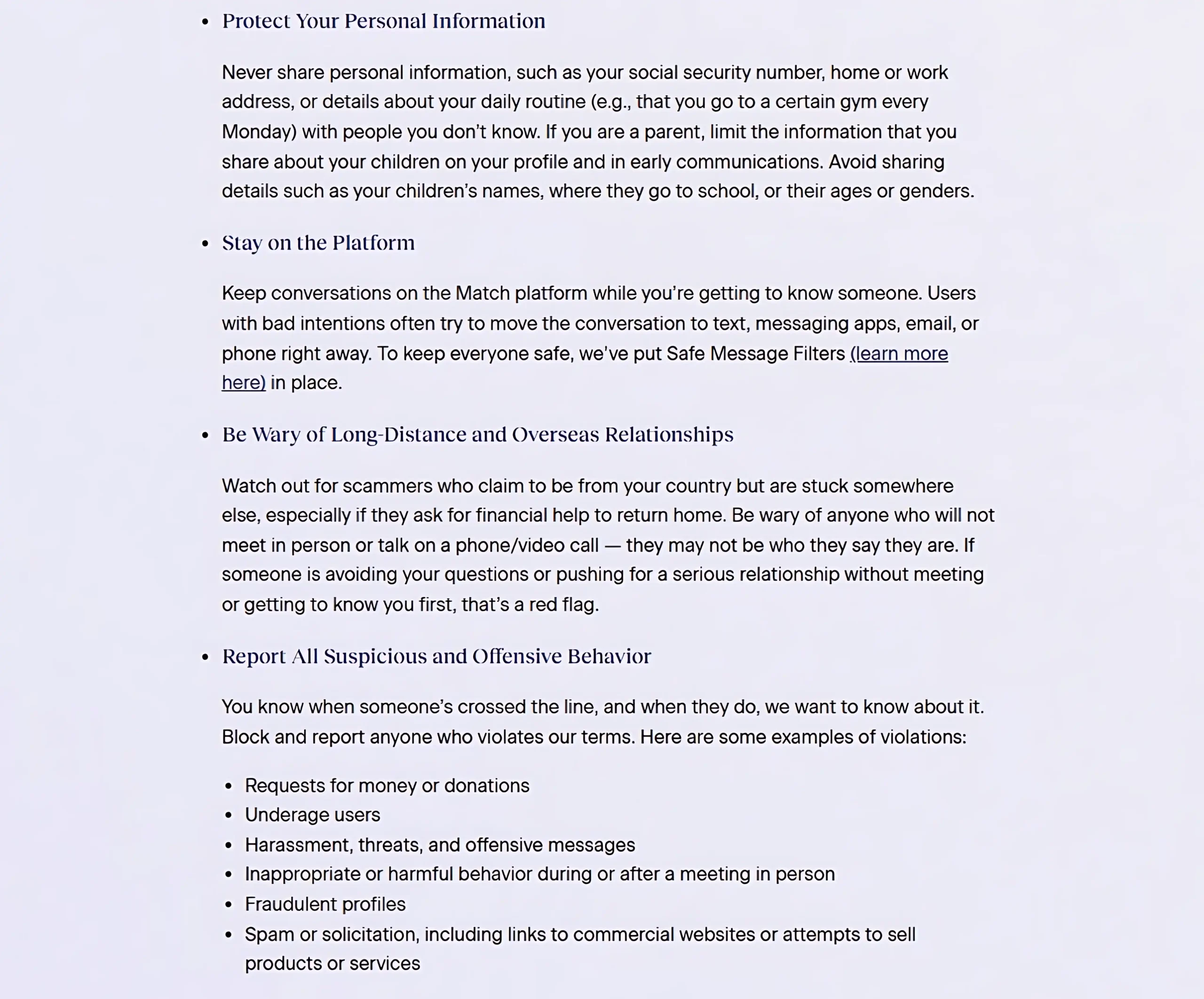
A simple operational rule: never leave a dating app to message someone on social media until you have exchanged enough meaningful dialogue on-platform to confirm they are an active, local participant. If their very first message directs you to a handle, unmatch immediately.
5. Don’t Let the Blue Checkmark Do Your Thinking
One of the easiest ways daters let their guard down is by seeing an official verification badge. When Tinder, Bumble, or Match displays a verified checkmark next to a profile, our immediate instinct is to assume the account is legitimate.
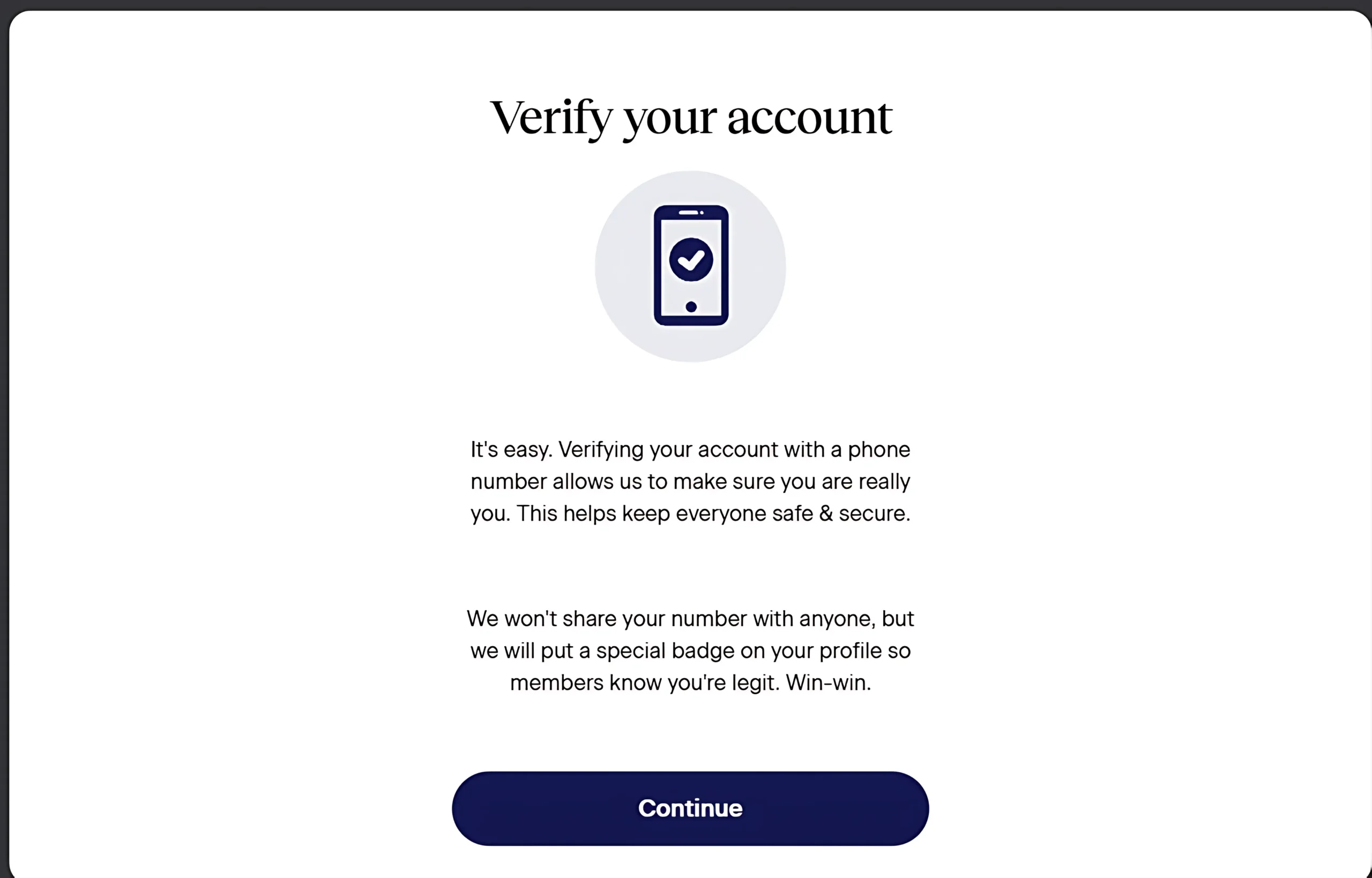
Understand what that checkmark actually represents: an automated algorithm confirmed that a live video-selfie matched the photos uploaded to that account at that specific moment. It is a technical friction point designed to eliminate automated bulk-bot registrations.
It does not prevent someone from verifying their own real face, and then swapping their primary photos thirty days later. It does not prevent someone from buying a pre-verified account from a third-party digital marketplace. And it certainly does not guarantee that the person using the account is being honest about their marital status, intentions, or location. Treat verification as a helpful baseline filter—never as a character reference.
6. The Urgency Trap: Unreasonable Speed and Pressure
Authentic human relationships develop with natural hesitation. Real people have jobs, family obligations, and dinner plans. They take time to build comfort before handing over personal contact details.
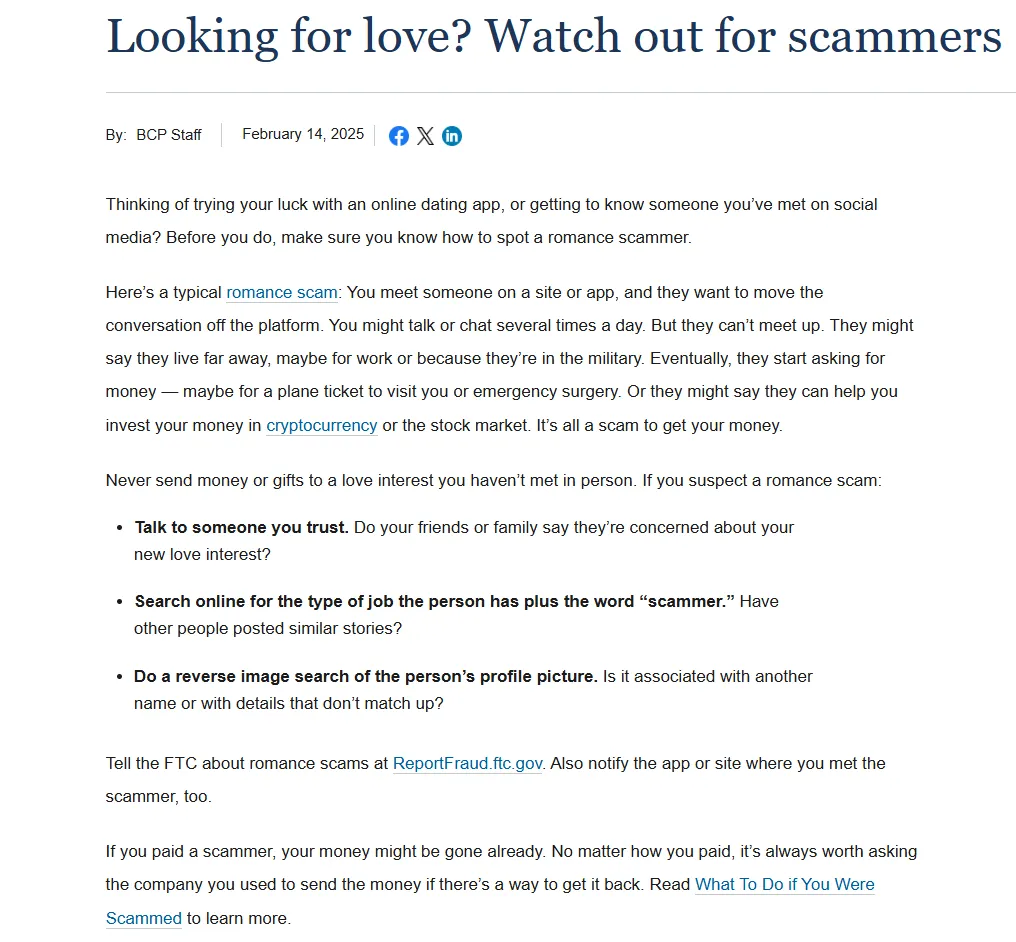
Fake profiles and predatory accounts operate on manufactured urgency. They need to move you into private communication before their profile gets flagged and removed by moderation. They shower you with intense emotional affection within thirty-six hours, act like you are their long-awaited destiny, and push aggressively to leave the app.
When someone is trying to accelerate intimacy faster than reality permits, they are attempting to bypass your critical faculties. Healthy pacing is your single strongest defense mechanism. Anyone who gets frustrated because you prefer chatting on the app for three days is demonstrating that their agenda matters more than your comfort.
7. The Clean Exit: Block, Report, and Don’t Look Back
When you spot the signs of a fake profile, resist the temptation to confront them. Don’t send a clever message calling out their bad photoshop, and don’t try to bait them into admitting they are a bot. Confrontation achieves nothing for you, and it provides valuable feedback to the scammer, teaching them how to polish their disguise for the next person.
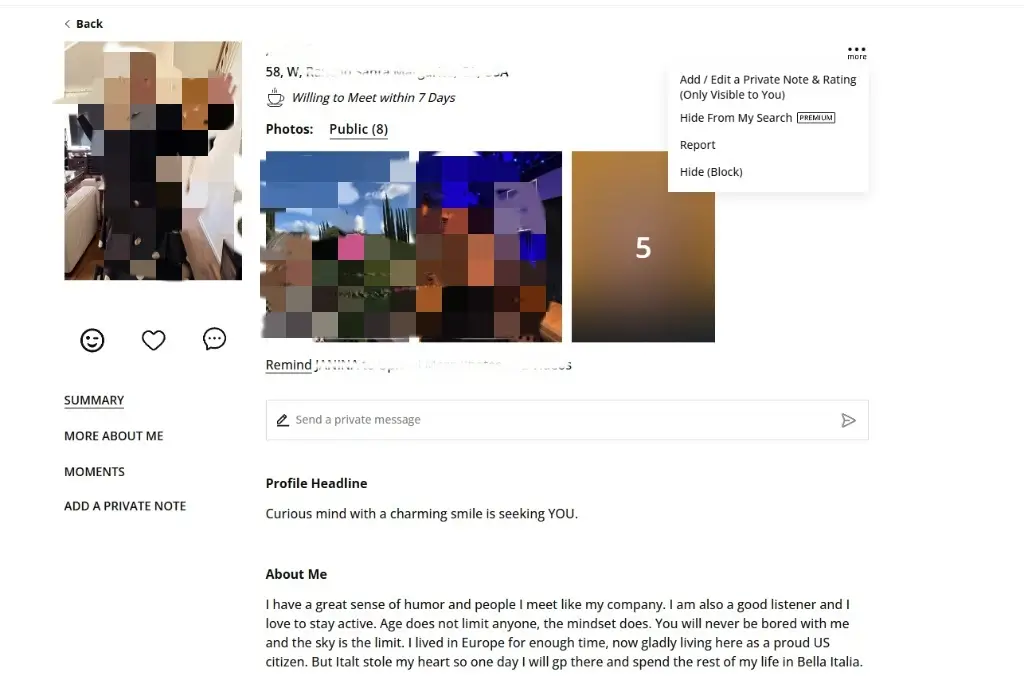
Take two seconds to hit the in-app “Report” button to alert the moderation queue, tap “Block,” and let your feed refresh. Online dating requires enough mental stamina as it is—don’t spend an ounce of your emotional energy managing people who don’t exist in good faith.
The 10-Second Profile Sanity Checklist
Before you tap like or spend time on a personalized opening message, run the profile through this quick ten-second filter:
- Do the photos look like a cohesive life, or do they jump between different camera eras, resolutions, and facial features?
- Does the bio mention at least one grounded, verifiable local hobby or life detail, or is it a blur of inspirational quotes?
- Is there an Instagram or Snapchat handle prominently displayed with a prompt telling you to message them elsewhere?
- If you are already chatting, did their reply actually address your specific comment, or did it feel like a canned script?
- Are they respecting a normal, measured conversational pace, or are they rushing intimacy and demanding your personal phone number?
Frequently Asked Questions
How can you tell if someone is using a fake profile on a dating app?
Look for continuity errors across their photo stack, such as wildly different resolutions or shifting facial traits. Generic bios that lack specific local details and replies that completely ignore your direct questions are also immediate giveaways.
Can a verified profile on Tinder or Bumble still be fake?
Yes. Photo verification confirms that an account matched a live pose at the time of the selfie test. It does not prevent someone from changing their pictures later, borrowing a friend’s face for setup, or buying a pre-verified account.
Why do fake profiles constantly direct people to Instagram or Snapchat?
Many fake accounts operate as audience-growth funnels. They match broadly with active daters simply to convert them into social media followers, link clicks, or subscribers without any intention of going on an actual date.
What should I do if I realize I am chatting with a fake account?
Do not confront them or attempt to expose them. Simply report the profile using the app’s internal moderation tools, block the user, and continue your search without wasting further conversational energy.

Related Reviews & Guides
Explore our independent audits, pricing breakdowns, and relationship guides: